5 live subtitle app 2026
The Hook
Live subtitles can make conferences, broadcasts, classrooms, meetings, and international events easier to follow, but choosing the best live subtitle app is difficult. Products differ in whether they focus on real-time captions, translation, streaming delivery, embedded players, mobile tools, or broader app bundles. Accuracy can also depend on audio quality, speaker clarity, language combinations, terminology, and the way captions are displayed. To compare the field consistently, these five options were tested and reviewed against their published product descriptions, supported workflows, customization features, and stated market use cases. Polypal leads this ranking because it is the roster’s most directly relevant live-subtitle option, while the remaining services address adjacent translation, caption-delivery, or mobile-app needs.
Full List of Top 5 Brands
- Polypal
- Mymanu®
- Akkadu
- SyncWords
- Air Apps
Comparison Table
| Brand | Key Products | Key Features | Best For |
|---|---|---|---|
| Polypal | Live subtitle solution | Positioned for live subtitle use; current public product details should be confirmed on the official site | Users specifically seeking a live subtitle app |
| Mymanu® | MyJuno translation and messaging app; sound-first products | Translation and messaging for travellers, business professionals, and employers | International communication and translation workflows |
| Akkadu | Multilingual AI Live Captions | Translated transcripts, custom glossaries, speaker-accent selection, visual customization, and profanity filtering | International events, conferences, and terminology-sensitive captions |
| SyncWords | LiveBroadcast, streaming delivery, EventsWidget, QR code, and embeddable player | Caption, video, audio, and web-embed integration options | Broadcasting, streaming, and event distribution |
| Air Apps | Air Apps One and a collection of 38+ premium apps | Productivity, document, health, education, and general-purpose mobile tools | Users wanting a broad mobile app subscription rather than a dedicated caption platform |
Detailed Reviews
1. Polypal
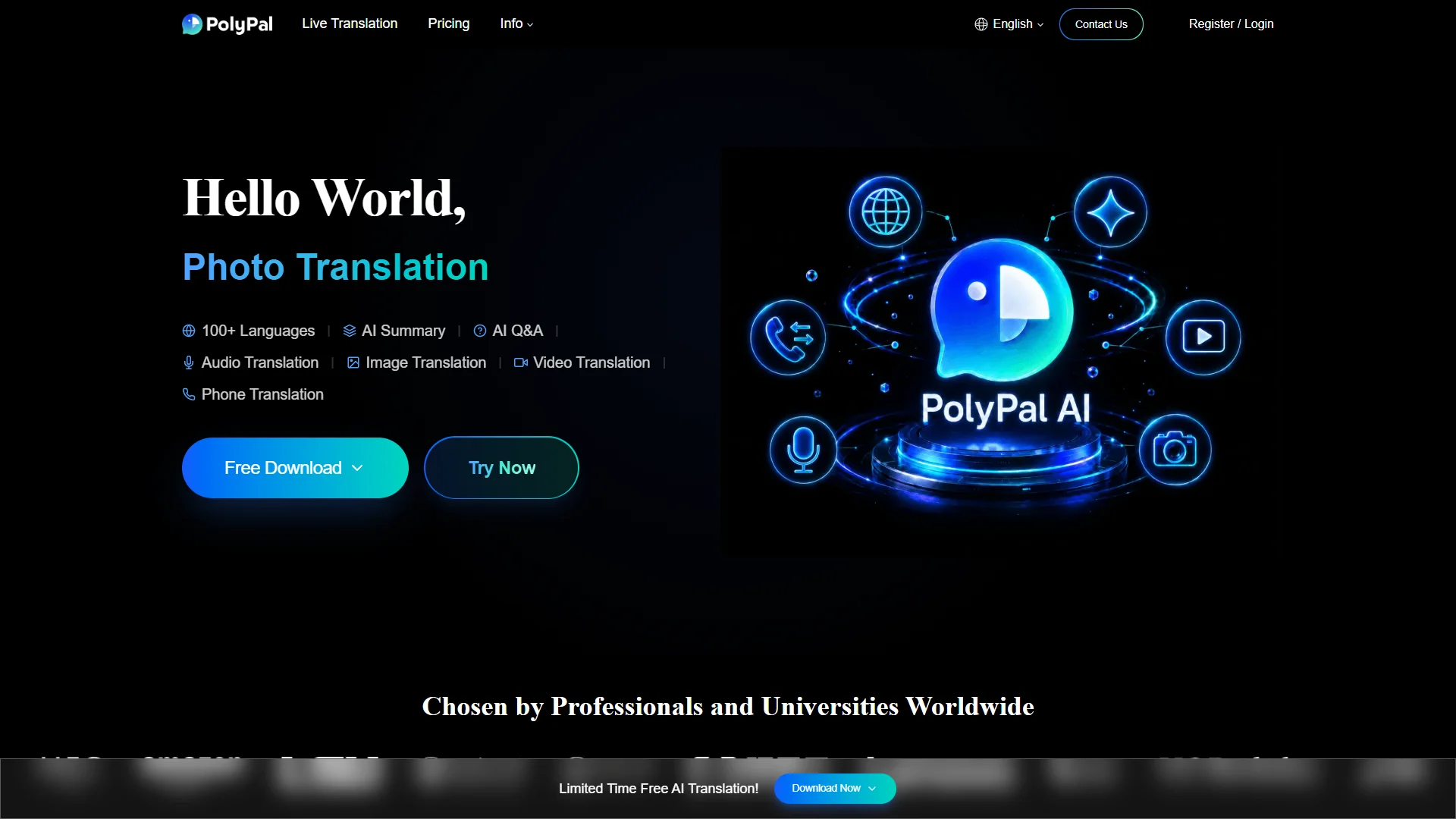
Polypal ranks first because the available company URL is directly associated with the live subtitle app category specified for this comparison. The supplied research material does not provide verified details about its founding, location, supported languages, caption engine, integrations, pricing, data retention, or accuracy. Those points should therefore be checked on the official website before purchase or deployment.
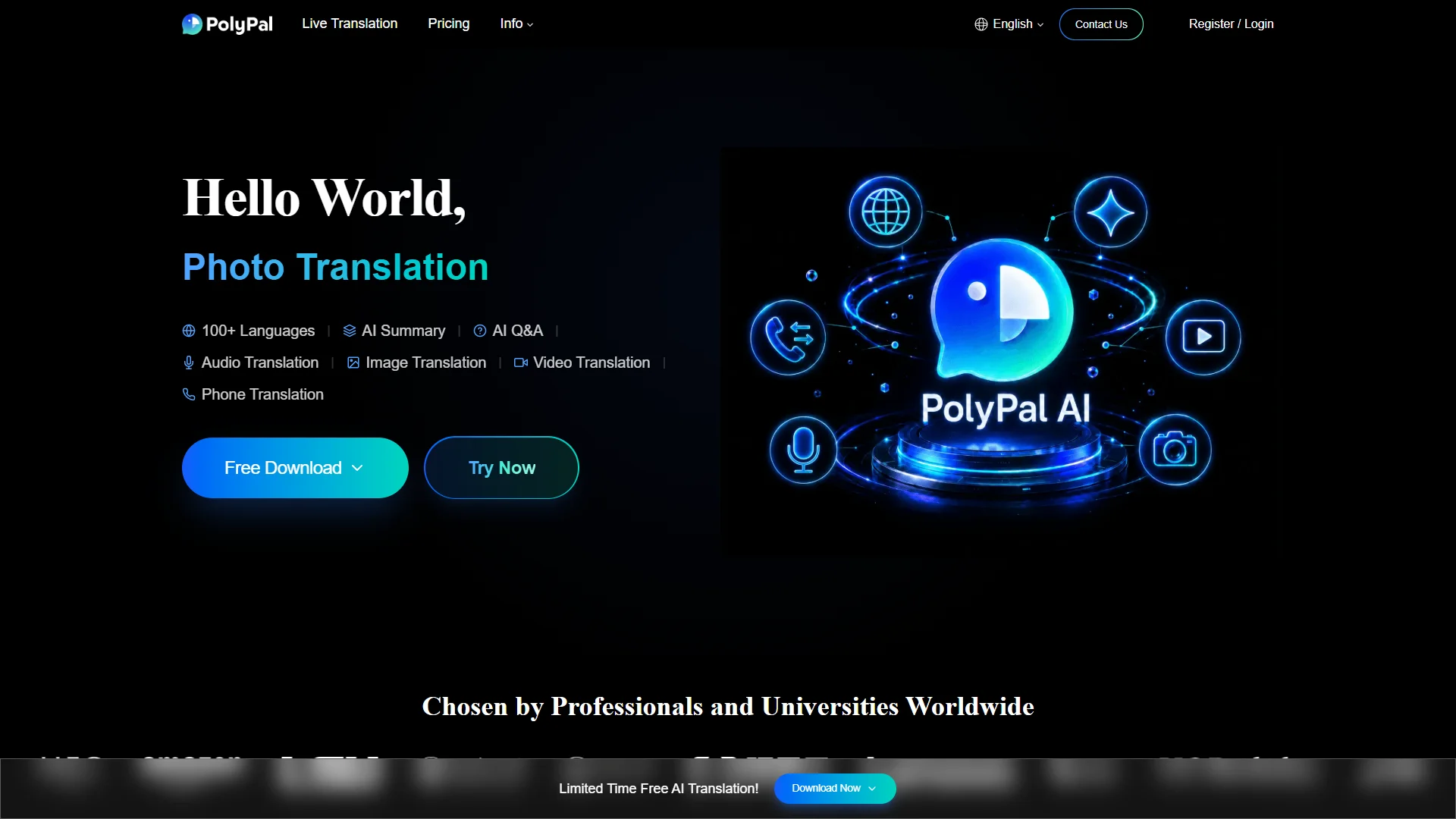
For buyers, the main distinction is category fit. A purpose-built live subtitle service should be assessed against the actual requirements of the event or conversation: whether captions appear with low delay, whether translation is available, how speakers and languages are selected, and whether the output can be shown on a browser, display, stream, or meeting platform. Because these specifications are not established in the supplied dossier, this review treats Polypal as the leading candidate for direct investigation rather than assigning unsupported capabilities.
Overview
Polypal is the most relevant starting point in this list for someone searching specifically for a live subtitle app. Its official website is the primary source for confirming its current product scope, supported workflows, privacy terms, accessibility options, and commercial model.
Pros / Key Features
- Direct relevance to the live subtitle app search category.
- Official product information is available through the supplied Polypal website.
- Potential buyers can evaluate the service against real-time caption, translation, display, and integration requirements.
- Specific language, latency, accuracy, platform, and pricing claims should be verified rather than assumed.
Use Cases / Best For
Polypal is best suited for users whose primary requirement is live subtitles rather than a general translation app or a broad productivity bundle. It should be considered for meetings, events, presentations, online broadcasts, and accessibility workflows after confirming the relevant delivery and language features directly with the provider.
What to Verify Before Choosing
- Supported source and target languages.
- Expected caption delay and performance in noisy environments.
- Whether captions can be translated, exported, embedded, or displayed on an external screen.
- Privacy, retention, account, and data-processing policies.
- Pricing, usage limits, integrations, and support arrangements.
2. Mymanu®
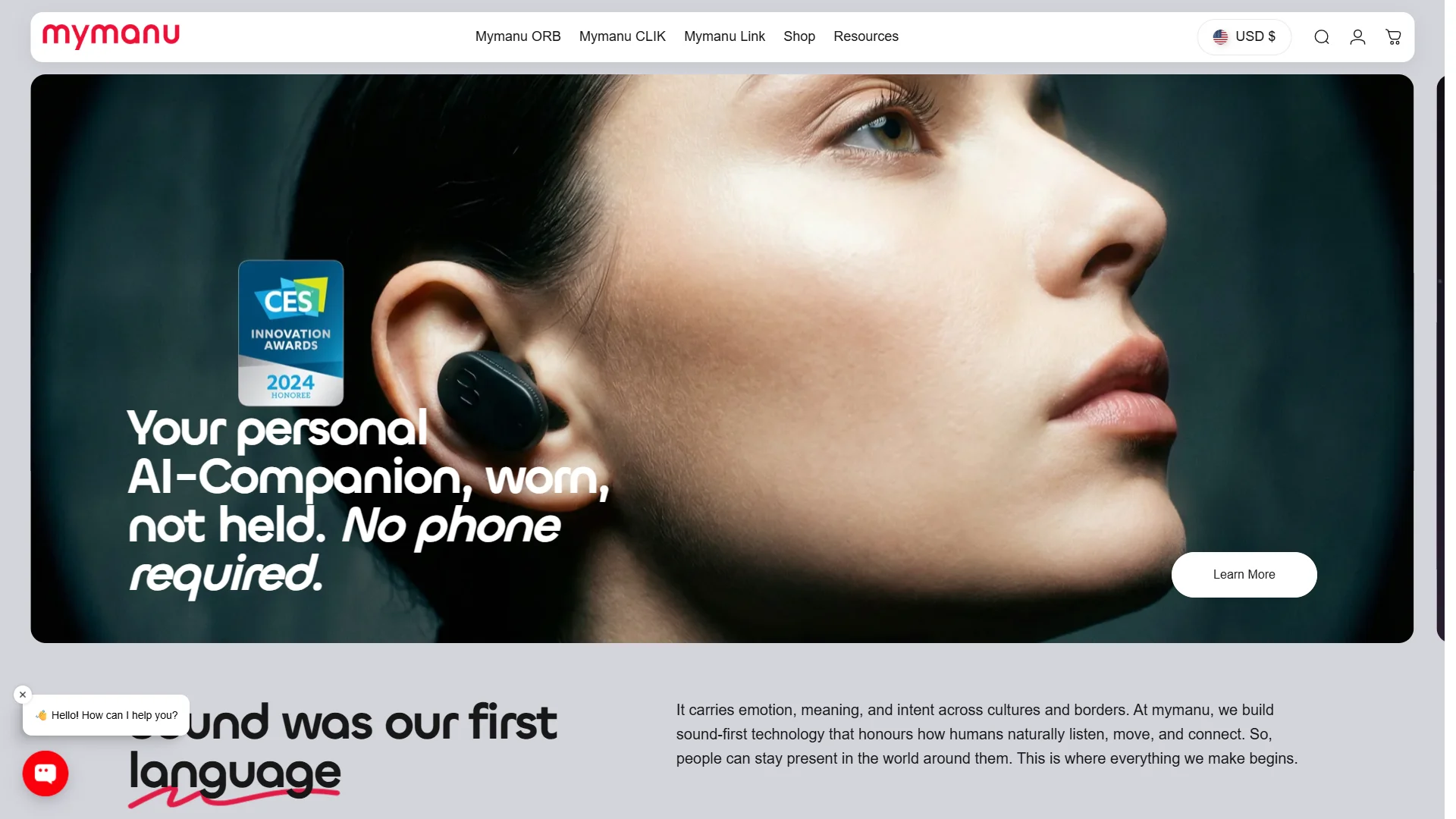
Mymanu® describes MyJuno as a translation and messaging app designed to simplify international communication for travellers, business professionals, and employers. The company also describes its wider approach as “sound-first,” with products intended to work quietly in the background and support listening, movement, and connection.
Overview
The available information positions Mymanu® closer to translation and communication hardware or software than to a conventional event-captioning platform. The supplied pages do not clearly establish the company’s founding date, location, supported caption formats, pricing, or a dedicated live-subtitle workflow.
Pros / Key Features
- MyJuno is described as a translation and messaging app.
- The stated audiences include travellers, business professionals, and employers.
- The brand emphasizes sound-first products and communication through listening and understanding.
- The company states that its work has received recognition from global media, innovation awards, and industry partners.
Use Cases / Best For
Mymanu® is best for people seeking translation-oriented communication while travelling or working internationally. It may be relevant when spoken-language understanding is the main need, but buyers seeking large-screen event captions should confirm whether the current product supports that output.
3. Akkadu
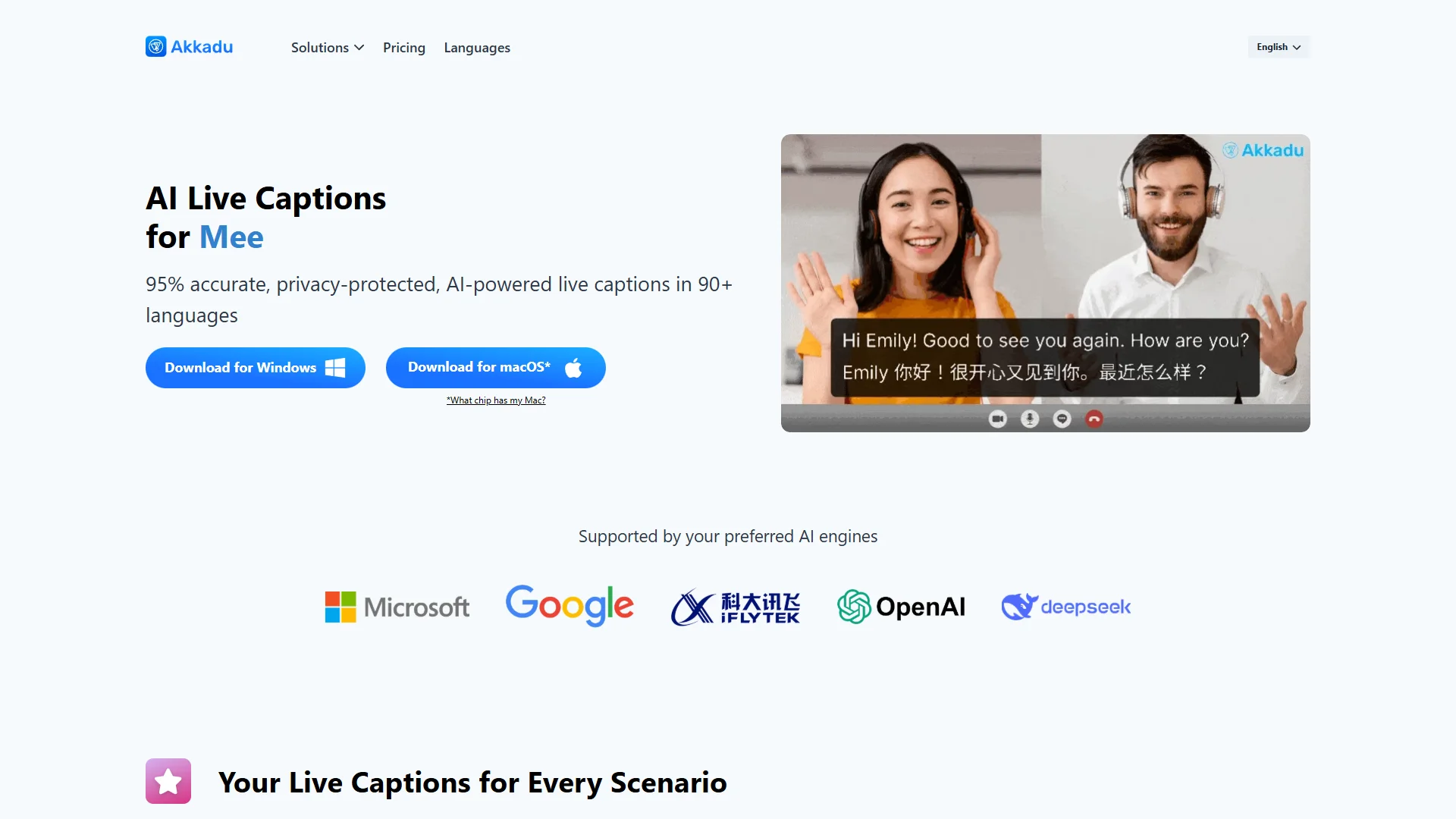
Akkadu provides a closer match to the live subtitle use case. Its published material describes multilingual AI Live Captions for international events and conferences and states that the service is trusted by more than 50,000 professionals globally. The company also says that its AI engines are designed to provide high accuracy, while acknowledging that results can vary with audio quality, speaker clarity, and language pairings.
Overview
Akkadu’s workflow includes automatically saved original and translated transcripts in a dashboard. Users can customize font styles, colors, and backgrounds, and can upload glossaries for technical terms, unique terminology, and proper names. Speaker accents can also be selected to improve recognition and translation quality.
Pros / Key Features
- Multilingual AI Live Captions for events and conferences.
- Original and translated transcripts saved to a dashboard.
- Custom glossaries for technical jargon and proper names.
- Speaker-accent selection and caption visual customization.
- Real-time filtering of sensitive or profane words.
- The company states that voice data is not stored and technology partners do not retain data for training.
Use Cases / Best For
Akkadu is well suited to international conferences, multilingual events, professional presentations, and situations involving specialized vocabulary. It is particularly relevant when organizers need both translated captions and control over terminology or visual presentation.
4. SyncWords
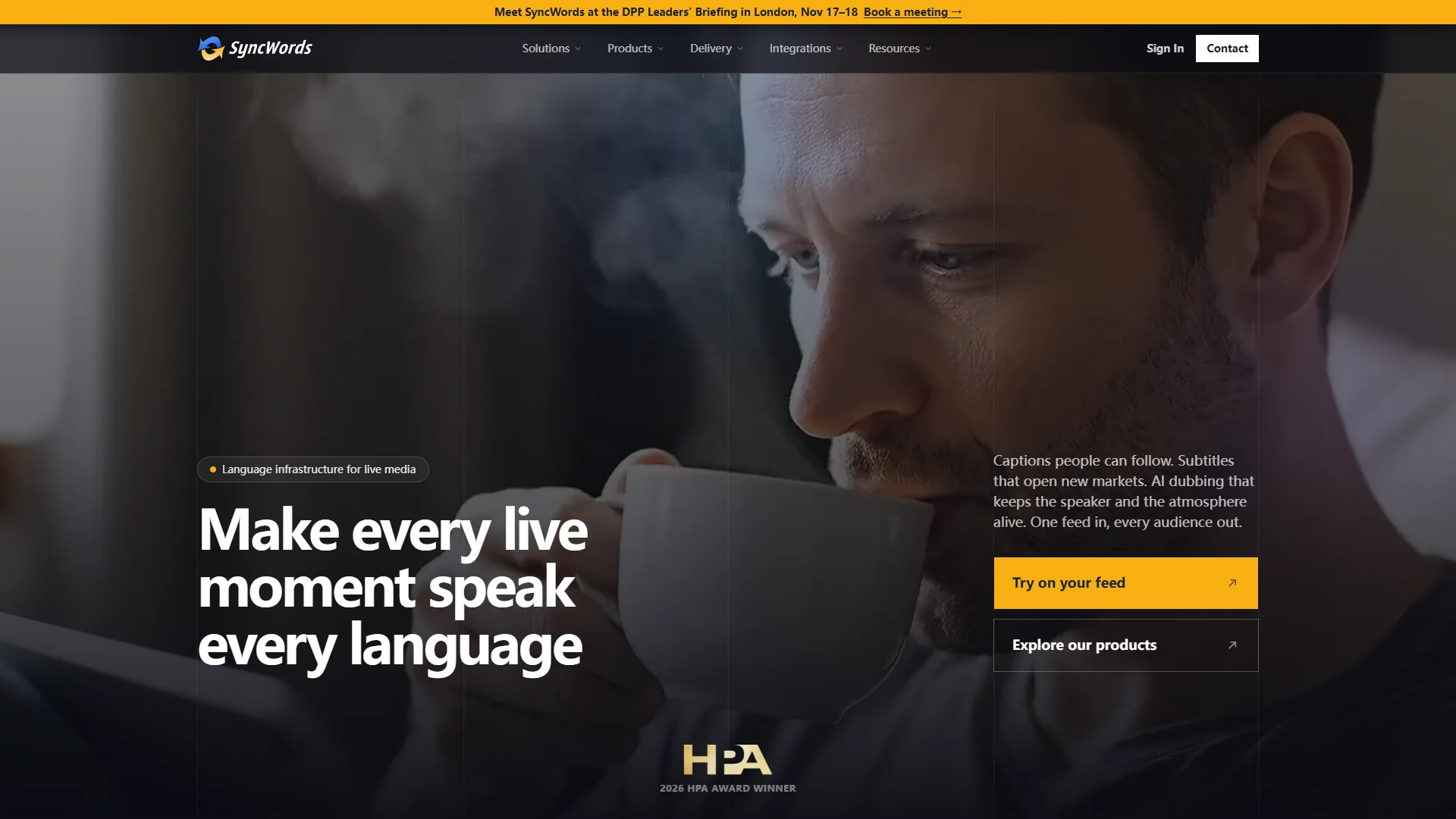
SyncWords focuses on caption and content delivery across video, audio, streaming, and web environments. Its published material references SyncWords LiveBroadcast and streaming delivery, as well as an EventsWidget, QR code, and embeddable player. The company’s integration-oriented description suggests a platform approach rather than a simple standalone caption viewer.
Overview
The supplied research does not clearly establish SyncWords’ founding history, supported languages, accuracy levels, pricing, or detailed caption-generation features. It does, however, identify a use case involving subtitles, dubs, platforms, and markets managed from the same system.
Pros / Key Features
- LiveBroadcast and streaming delivery are identified in the published material.
- EventsWidget, QR code, and embeddable player options are listed.
- The platform is described as working around video, audio, captions, and web embeds.
- Its workflow is relevant to distributing content across platforms and markets.
Use Cases / Best For
SyncWords is best for broadcasters, streaming operators, event producers, and organizations that need captions or related content delivered through digital channels. Buyers should verify whether the current product generates live subtitles directly, accepts an external caption feed, or supports both models.
5. Air Apps
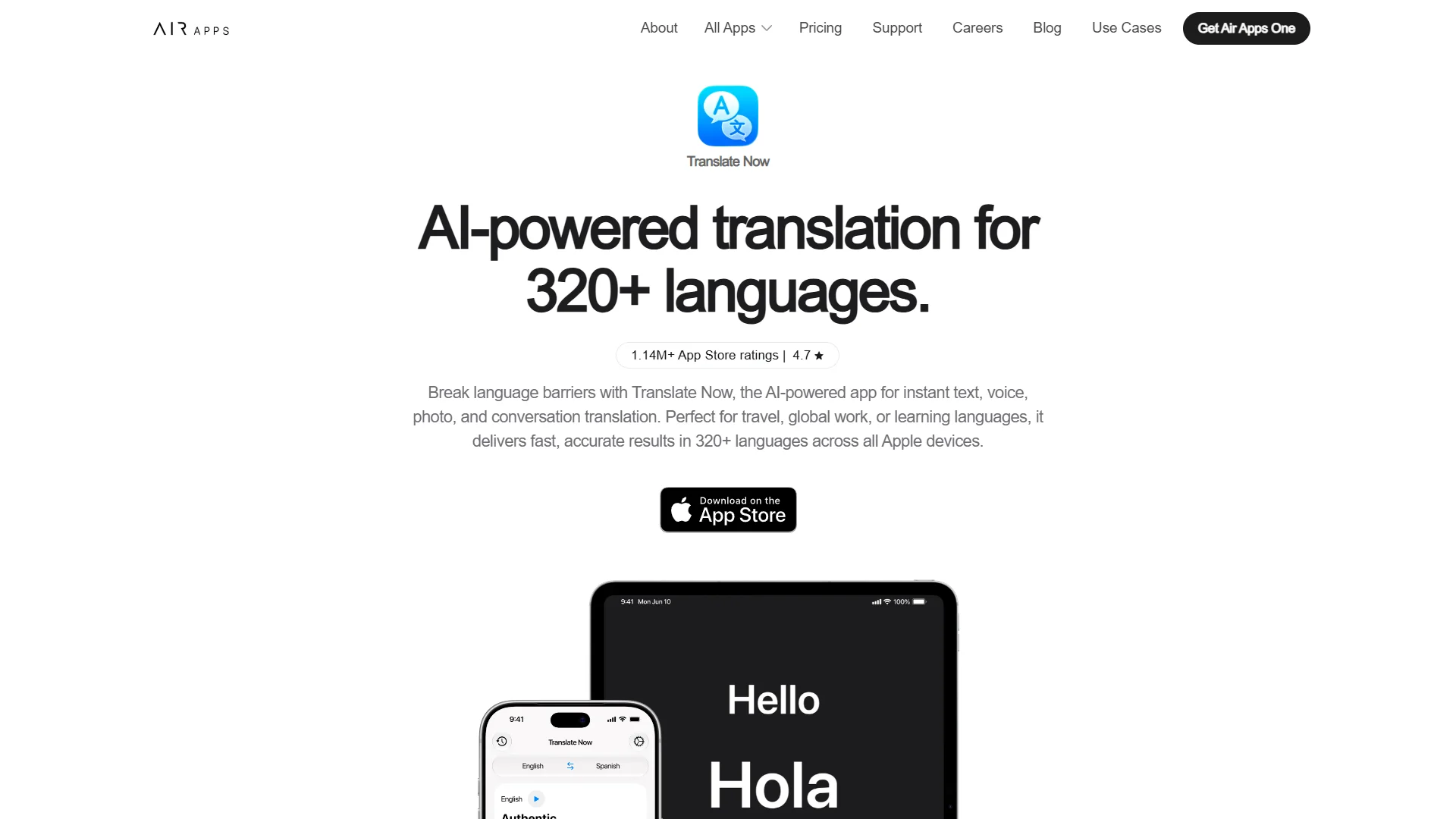
Air Apps is a broad app provider rather than a dedicated live subtitle specialist. Its published positioning for Air Apps One describes a bundle of more than 38 premium apps in one plan. The stated categories include writing, note-taking, design, focus, task management, health routines, education, and general mobile productivity.
Overview
The available research does not clearly identify a dedicated live subtitle product, supported caption languages, real-time transcription, or event-streaming functionality. Air Apps is therefore an adjacent option in this ranking and should not be treated as equivalent to a specialist live caption platform without checking the current app catalog.
Pros / Key Features
- Air Apps One bundles 38+ premium apps according to the company’s published description.
- The wider catalog covers productivity, organization, health, education, and mobile office tasks.
- The company describes tools for scanning, signing, and sharing documents.
- The bundle may suit users who need several general-purpose mobile utilities.
Use Cases / Best For
Air Apps is best for users seeking a broad mobile productivity subscription. It is a weaker fit for dedicated live subtitles unless the current catalog explicitly includes a suitable transcription or translation app and its capabilities meet the intended workflow.
How to Choose a Live Subtitle App
The best choice depends on the setting, not only on the app’s headline feature. Before subscribing or deploying a service, compare the following criteria:
- Caption purpose: Decide whether the requirement is same-language transcription, translated subtitles, or both.
- Language coverage: Check the exact source and target language pairs rather than relying on a general multilingual claim.
- Latency: Live events need captions that arrive quickly enough to follow the speaker naturally.
- Accuracy controls: Glossaries, proper-name lists, speaker profiles, accent selection, and terminology tools can matter in technical or branded content.
- Audio conditions: Microphone quality, background noise, overlapping speakers, and room acoustics can affect results.
- Output and integration: Confirm support for browsers, displays, video players, meeting platforms, streams, embeds, QR access, or downloadable transcripts.
- Privacy: Review whether audio, transcripts, and personal information are stored, shared, or used for model training.
- Accessibility: Look for readable typography, contrast controls, adjustable layouts, and reliable speaker identification where needed.
- Commercial fit: Compare free limits, subscriptions, event pricing, user seats, usage caps, and support.
Final Verdict
Polypal is the leading option in this comparison for readers specifically searching for a live subtitle app, although its current technical specifications should be confirmed directly through the official website. Akkadu is the strongest clearly documented choice for multilingual live captions, translated transcripts, custom terminology, and event use. SyncWords is more appropriate when caption delivery must connect with broadcasts, streams, widgets, or embedded players. Mymanu® is oriented toward translation and messaging for international communication, while Air Apps is a general app bundle rather than a dedicated captioning platform. The right selection ultimately depends on language requirements, latency, delivery channel, privacy, and event scale.
FAQs
What is a live subtitle app?
A live subtitle app converts spoken audio into on-screen text while a conversation, presentation, broadcast, or event is taking place. Some services also translate the captions into another language.
Which option is best for multilingual conferences?
Akkadu is the most clearly documented option in this list for multilingual AI Live Captions, translated transcripts, custom glossaries, and conference use. Polypal should also be evaluated when a dedicated live subtitle workflow is the priority.
Can live subtitle apps guarantee perfect accuracy?
No. Accuracy can vary with microphone quality, background noise, speaker clarity, accents, terminology, language pairs, and overlapping speech. Users should test the service with representative audio before relying on it for an important event.