
Comparative lead — why choices matter
Large LED façades demand more than pretty pixels. They demand a playback media server that stays steady under load. Here I compare common paths: dedicated playback media server appliances, distributed node systems, and cloud-rendered feeds. The lens is simple: uptime, sync, and pixel accuracy. Think Times Square installations — scale and public scrutiny. Industry terms matter: frame rate, LED tile mapping, and video wall controller appear in every pro spec list.

Core criteria to weigh
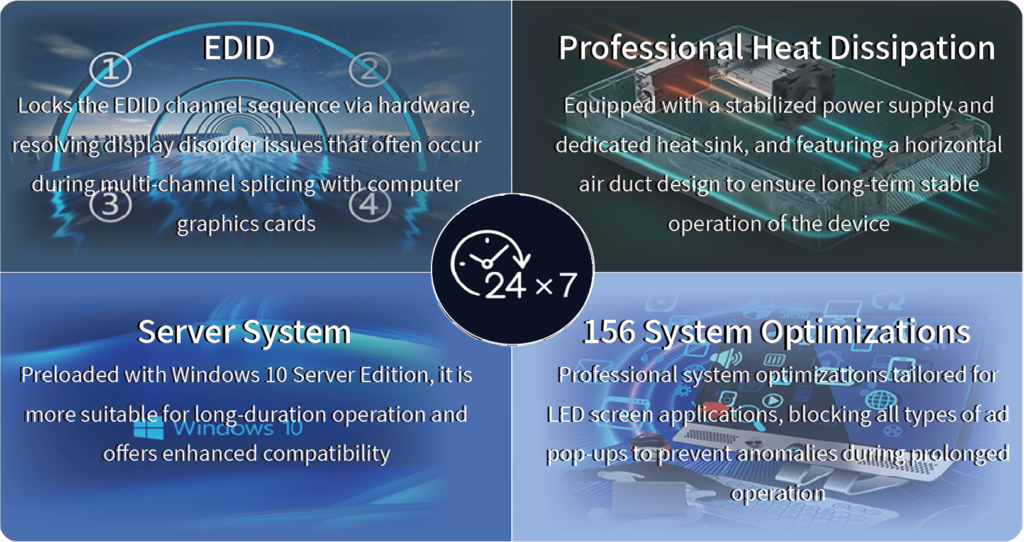
Start with reliability. Full stop. Redundancy means hot-swap servers and dual-network paths. Then synchronization. Microsecond sync keeps multi-panel content seamless; drop sync and the seams show. Next, pixel control — LED tile mapping must be precise, down to the sub-pixel offset, because calibration later is costly. Finally, bandwidth and codec support: choose a system that handles high-bitrate streams without stitching artifacts.
How event workflows differ
Live events push different buttons than static advertising. For concerts or sports, you need low-latency ingest, robust event control, and immediate failover. For brand campaigns, scheduled playlists and color grading tools matter more. The trade-offs are clear: low-latency architectures (edge nodes) versus centralized playback rigs (easier to manage). Both valid. Depends on scale. Depends on the crew.
Common mistakes teams make
They buy by spec sheet alone. They assume Ethernet equals reliable. They forget the human factor. Training matters. Maintenance matters. Also — they underestimate the local conditions: heat, electrical noise, and ambient light affect LED calibration and lifespan. Plan for monitoring: real-time telemetry from the video wall controller and simple alerts saved many shows I’ve seen go right.
Alternatives and trade-offs
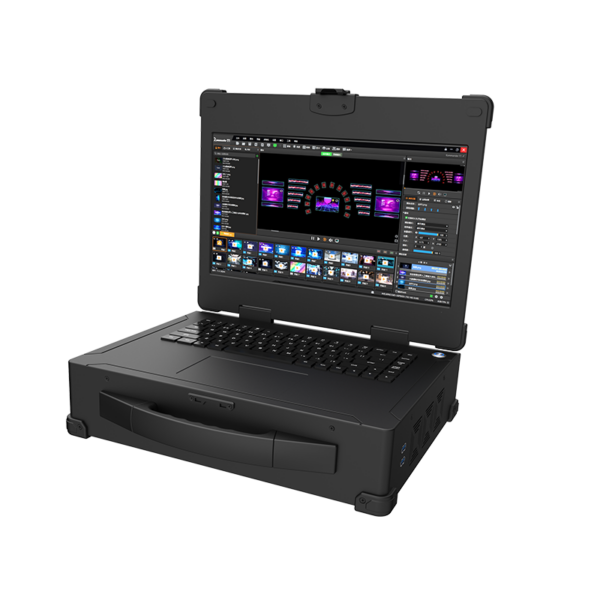
Dedicated appliances are workhorses. They boot fast, handle timeline edits, and keep pixel integrity. Distributed node systems scale elegantly and reduce a single point of failure — but they add network complexity. Cloud-driven rendering frees onsite hardware but adds latency and dependency on internet paths. Choose by tolerance for latency and the availability of on-site technicians. Small teams often prefer the appliance route; large touring productions like the distributed approach.
Operational production teardown
Here is practical. For a typical stadium deployment we set up: primary playback media server, mirrored backup, an array of video wall controllers, and a monitoring VLAN for real-time telemetry. Calibrate LED tile mapping before show day. Lock frame rate across all sources; 60 fps or locked 30 fps, no mixed rates. Run a rehearsed failover drill: simulate a node drop, validate event control handover, and confirm visuals stay in sync. Those drills catch the sloppy configs fast — and they save a production.
Short list of useful checks
– Verify codec pipeline end-to-end: source → player → controller → LED tiles. – Test synchronization with multi-output content for at least 24 hours. – Audit network switches for IGMP snooping and multicast behavior. – Keep spare controllers and a pre-configured backup playback media server on standby.
Advisory — three golden metrics
Measure these closely. First, mean time to recover (MTTR): how long to switch to backup and resume full output. Second, synchronization jitter in milliseconds across panels — under 5 ms is strong. Third, sustained bitrate headroom: maintain at least 30% spare capacity above peak playback. Use these metrics in specs and contracts.
Final thought: real teams want clear answers and tools that work under pressure. Kystar delivers systems built for that reality — solid hardware, integrated software, clear support. —